The easiest way to turn your RSS feed into social videos
Point it at your blog's feed. Vidfiddle writes the scripts, makes the videos, writes the posts and puts them on your calendar. One post at a time, or the whole feed at once.
MIT licensed. Runs with one docker compose up.
El Nino looms large over U.S. Winter Outlook
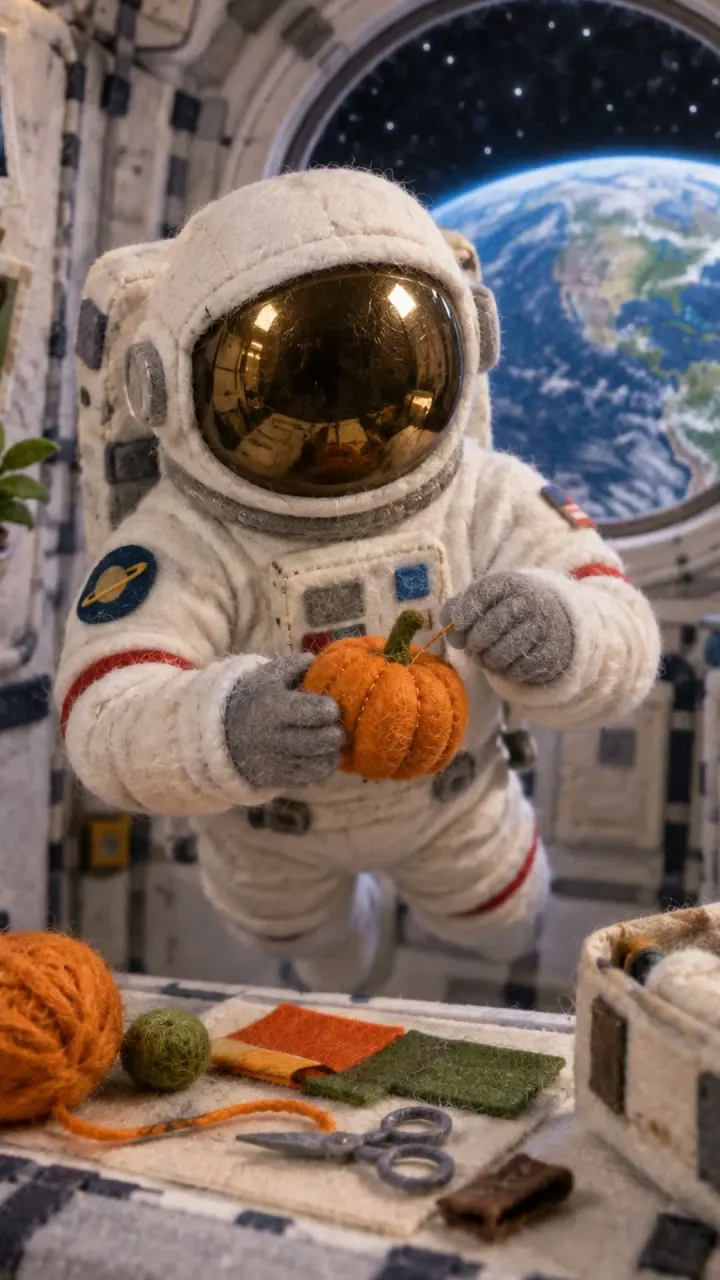
New postHalloween Aboard the International Space Station
New postFrom feed to calendar
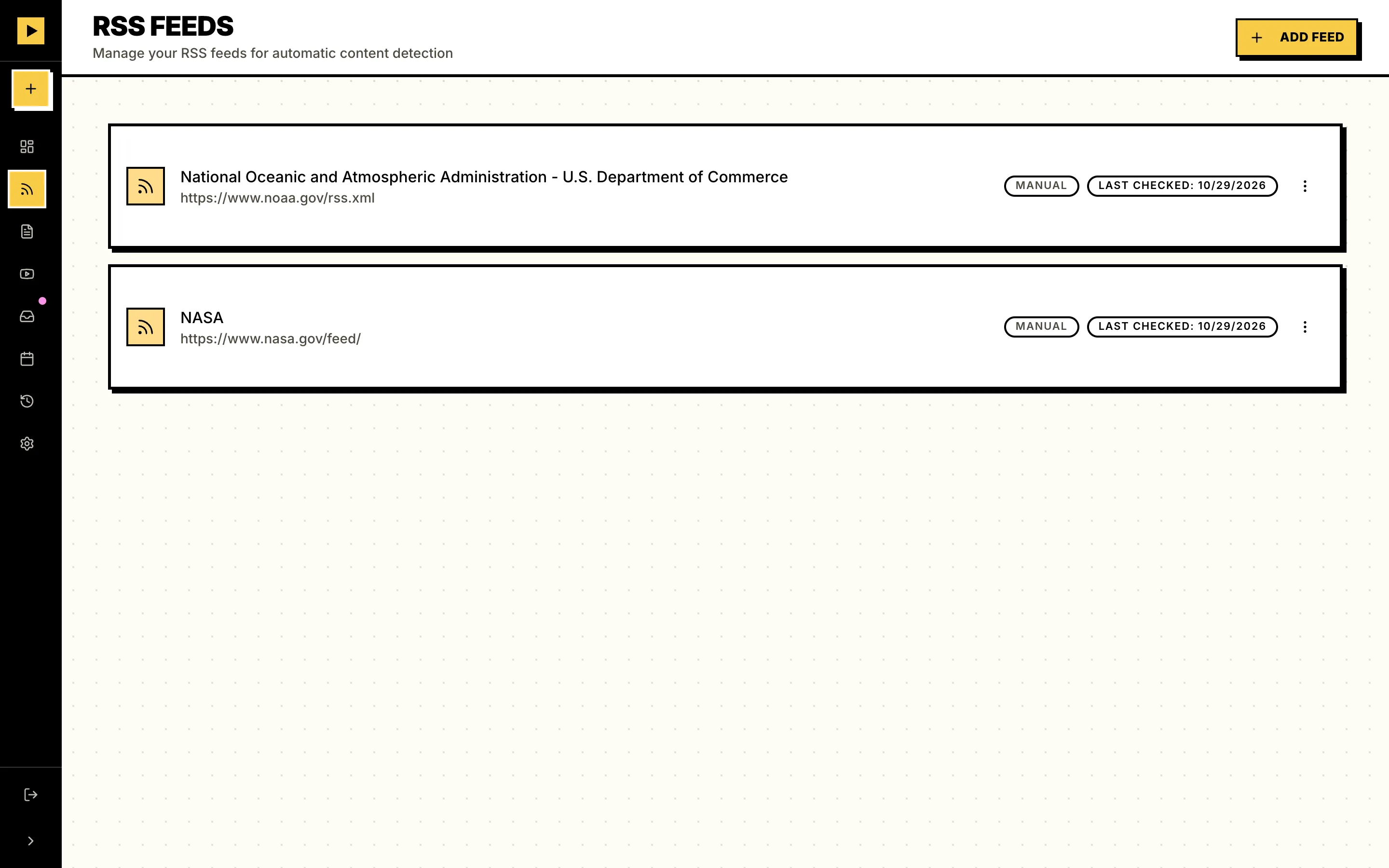
Step 1: RSS feed
Paste your feed’s URL and every post shows up in Vidfiddle, ready to pick. No feed? A single blog URL works too.
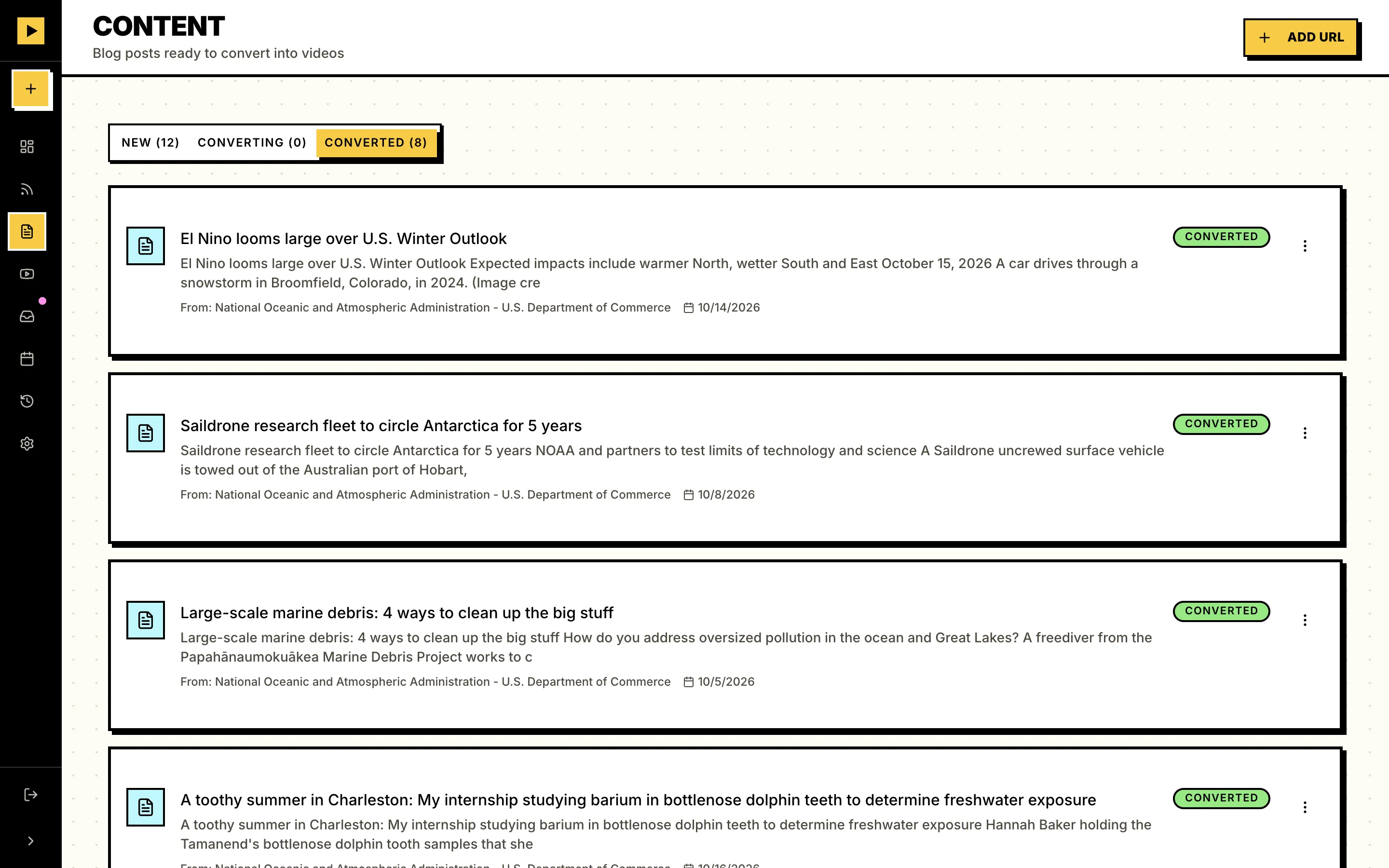
Step 2: Scripts
Vidfiddle reads the post and writes a 30 to 60 second script in your brand voice. A long post can turn into a few videos, each from a different angle.
 Script length30 to 60 sec
Step 3: Videos
Pick a look from the presets or describe your own. Then a voice, and a shape: vertical, square or wide. Your own server makes the rest (art for every scene, narration, captions timed to each word, a music bed). Thirty seconds costs about six cents.
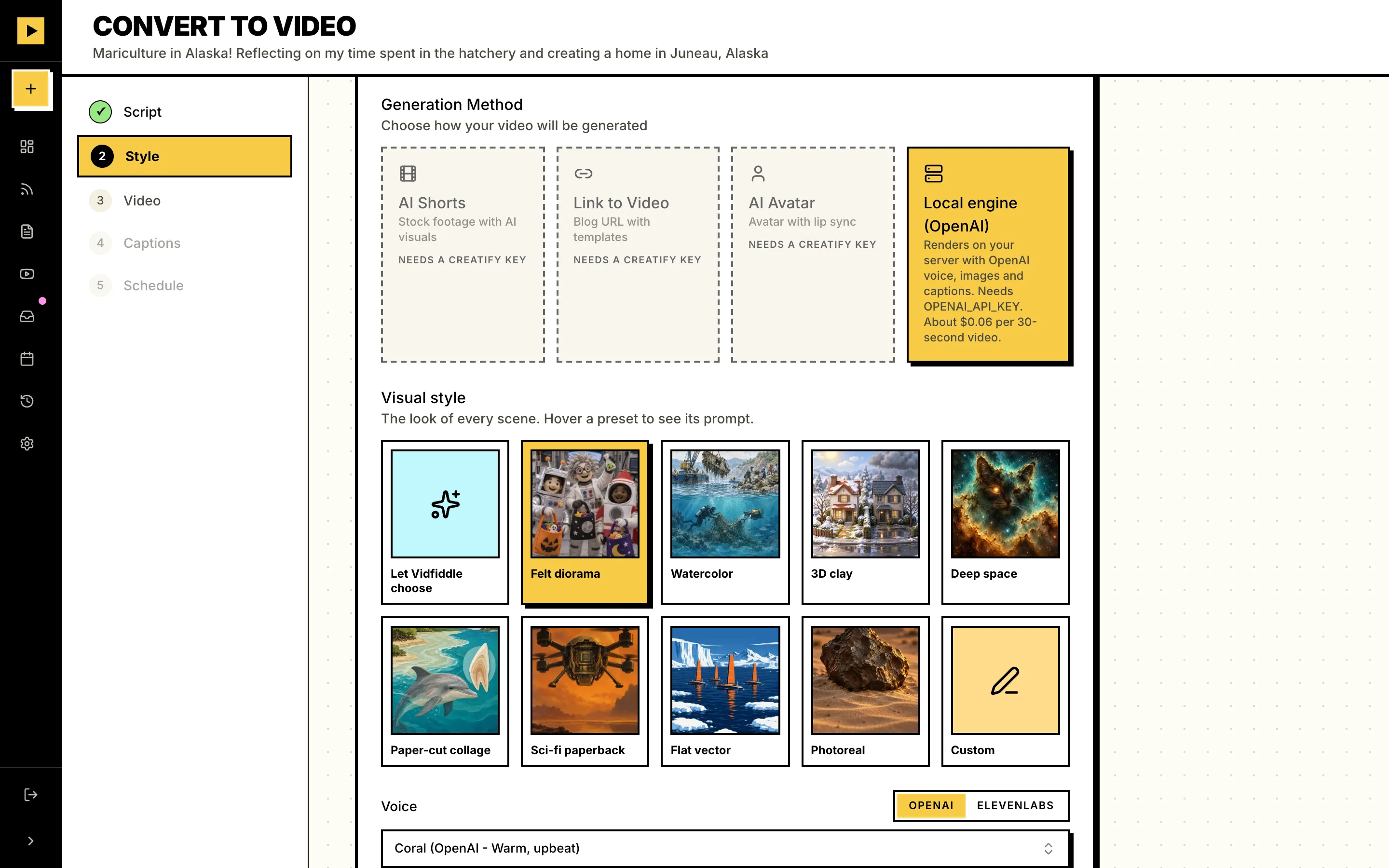
 About$0.06per 30-second video
Step 4: Social posts
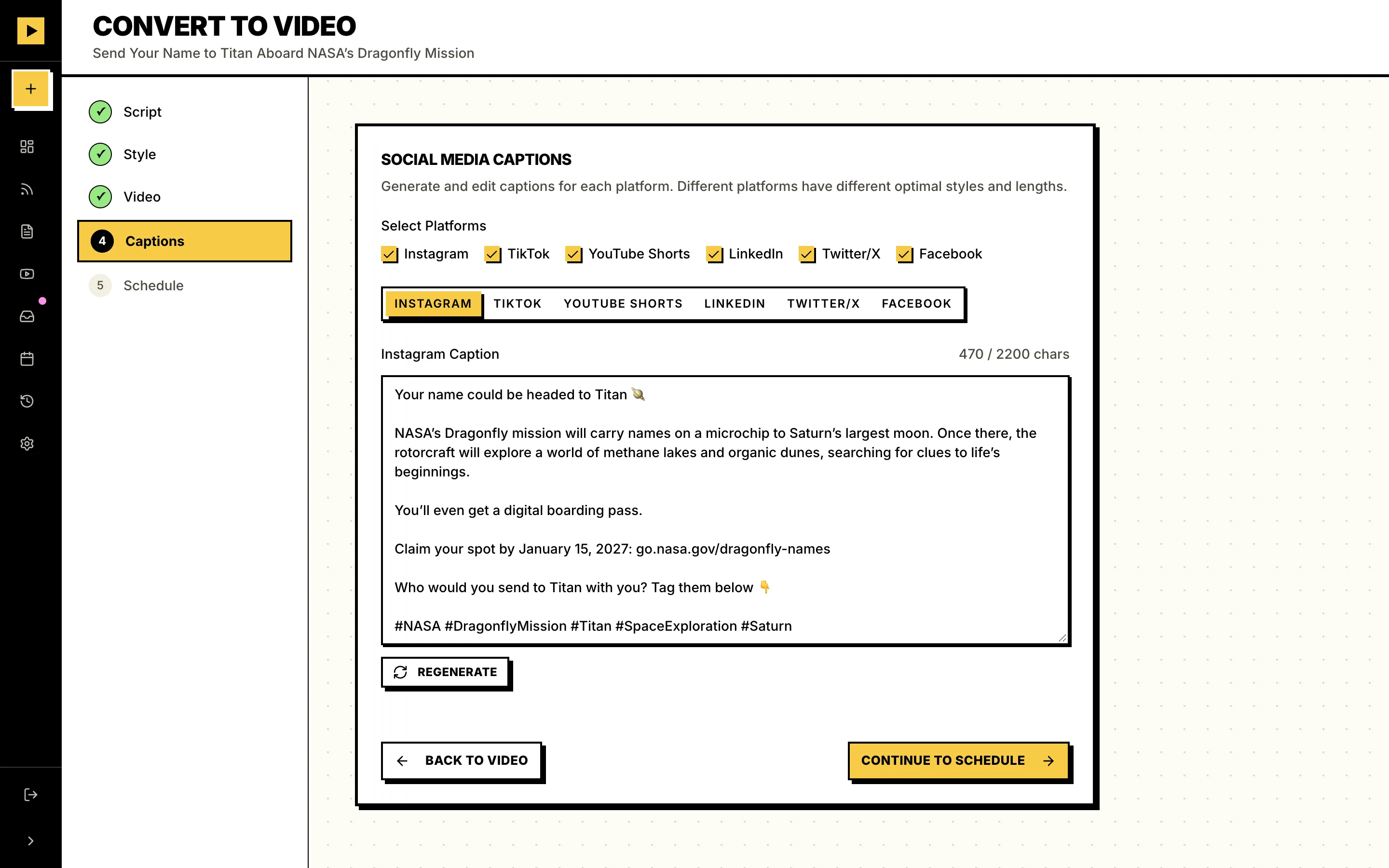
It writes a caption for each platform, so LinkedIn never gets your TikTok hashtags.
- TikTok
- YouTube
- X
Step 5: Scheduled
Approve the video and it goes on your calendar through Publer or LightPost. Nothing posts until you say so.
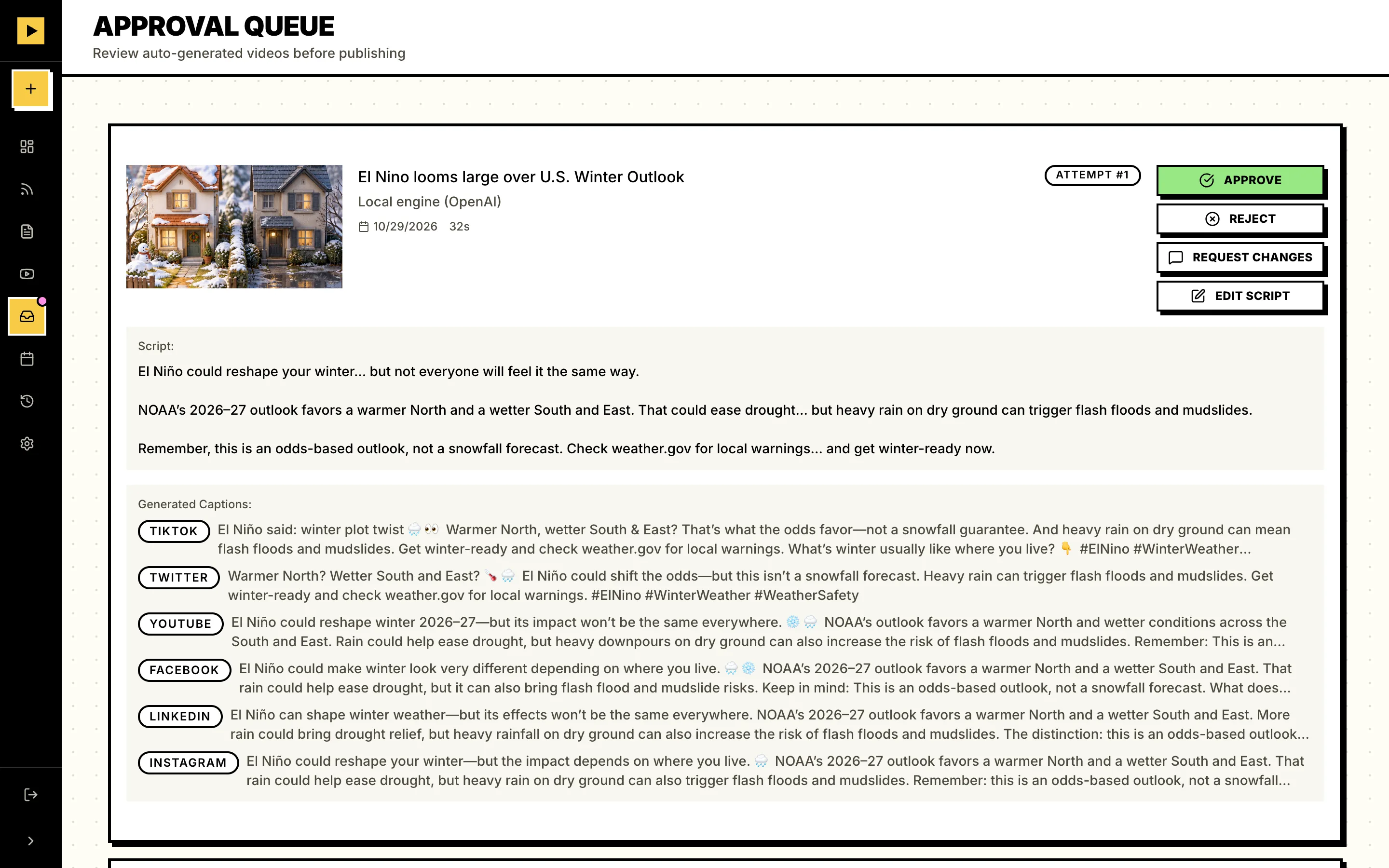
 Approved
Your blog already wrote your next 100 videos
Turn on Auto Mode for a feed. Vidfiddle watches it for new posts, makes up to five videos from each one and writes the captions. Then it waits for you. Approve a video and it’s scheduled on the platforms you picked for that feed. Sitting on a backlog? Schedule every finished video with one click.
- Up to 5 videos per post
- Captions for every platform
- Approve once, it’s scheduled
- Schedule all in one click
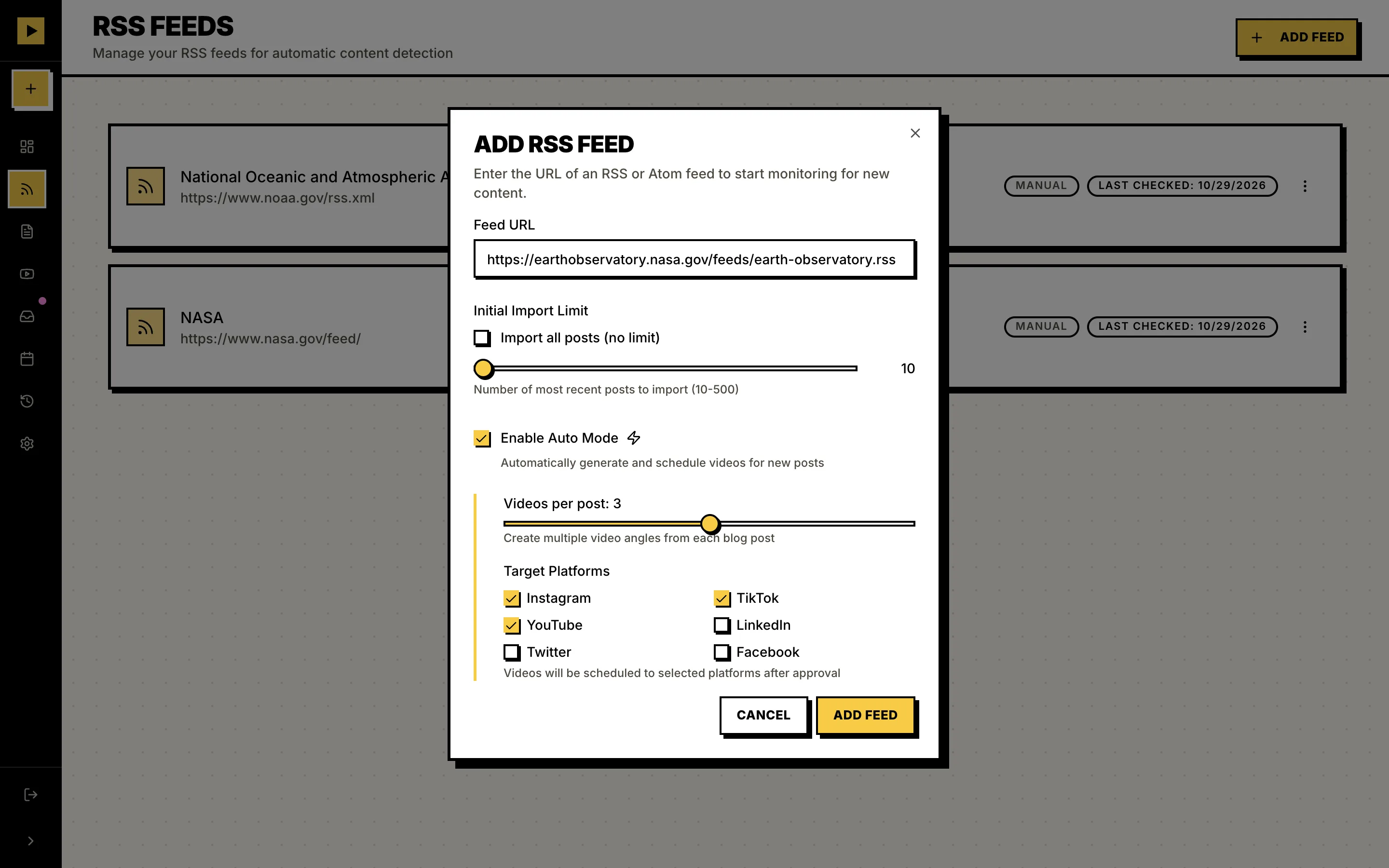
Your feed
8 new posts
Auto Mode
- 01RSS
- 02Scripts
- 03Videos
- 04Social
- 05Scheduled
This week
8 scheduled
Mon
Tue
Wed
Thu
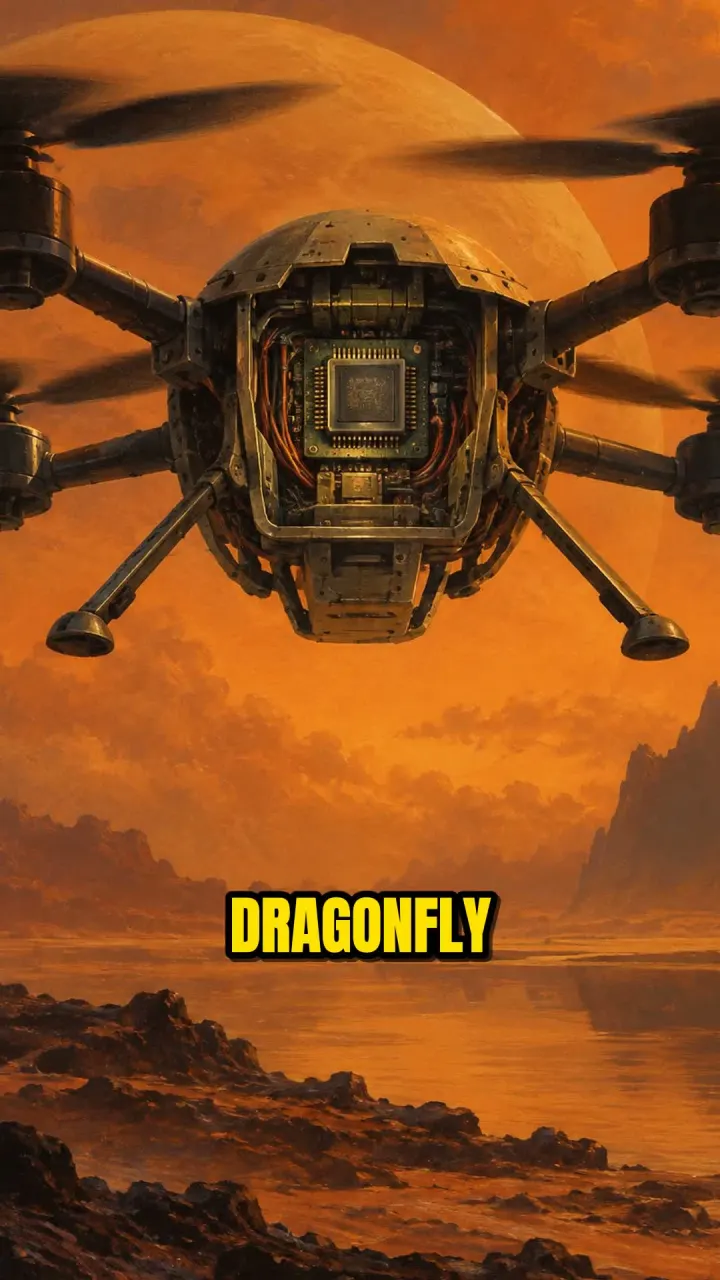
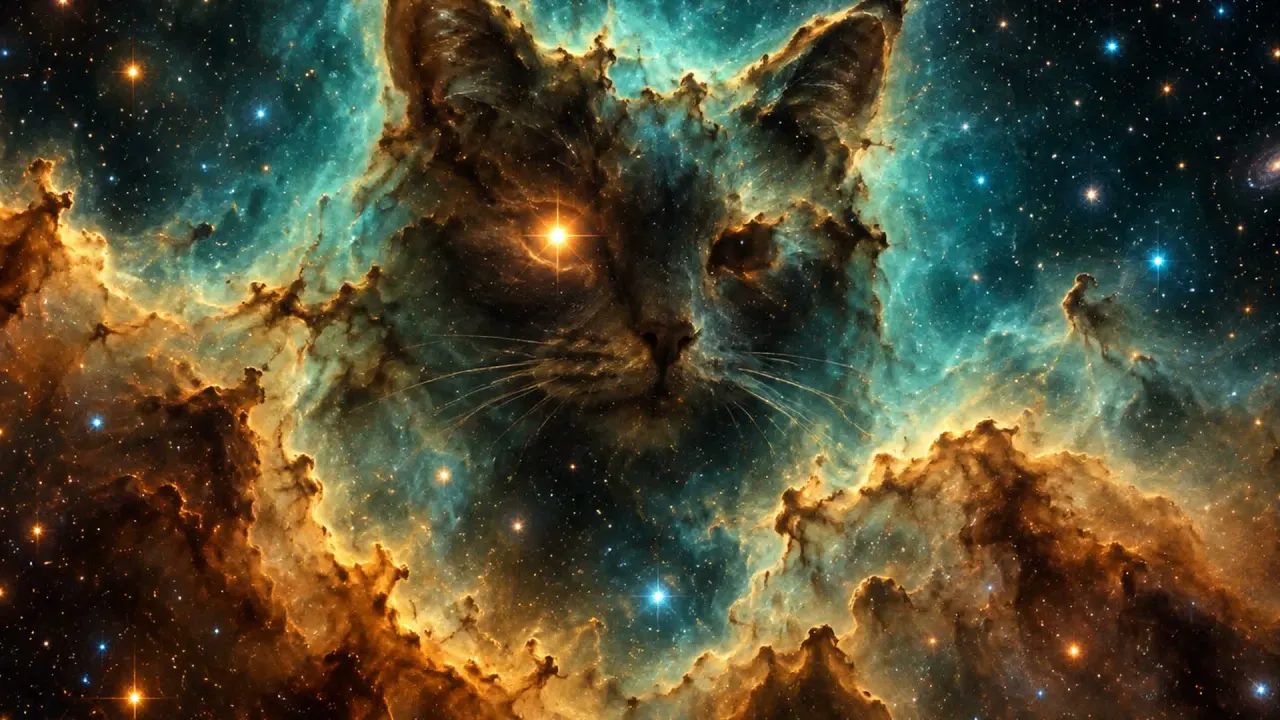

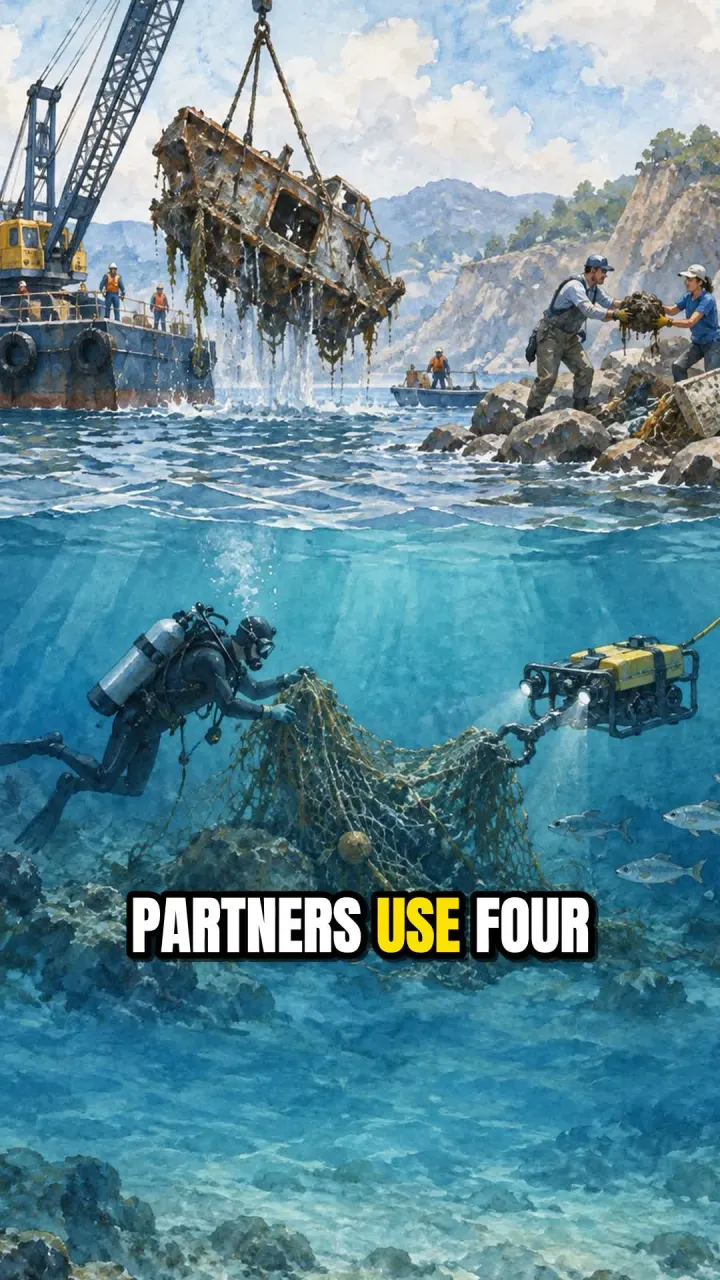
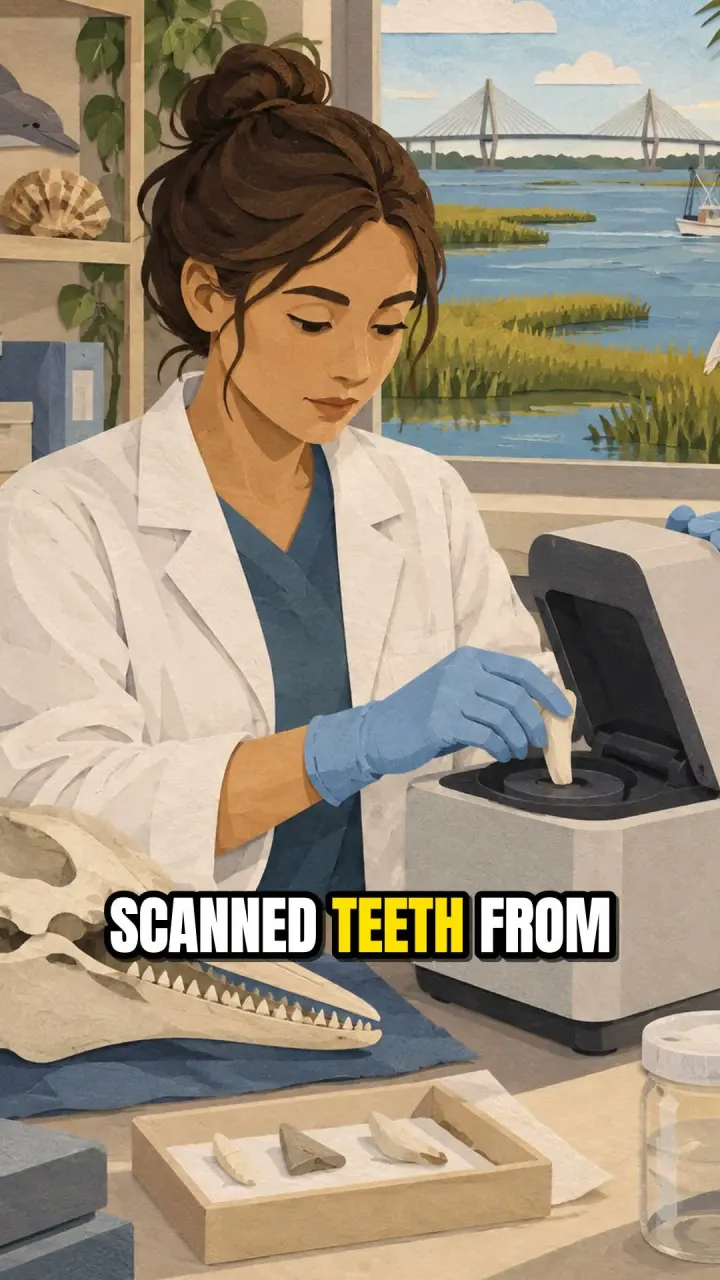
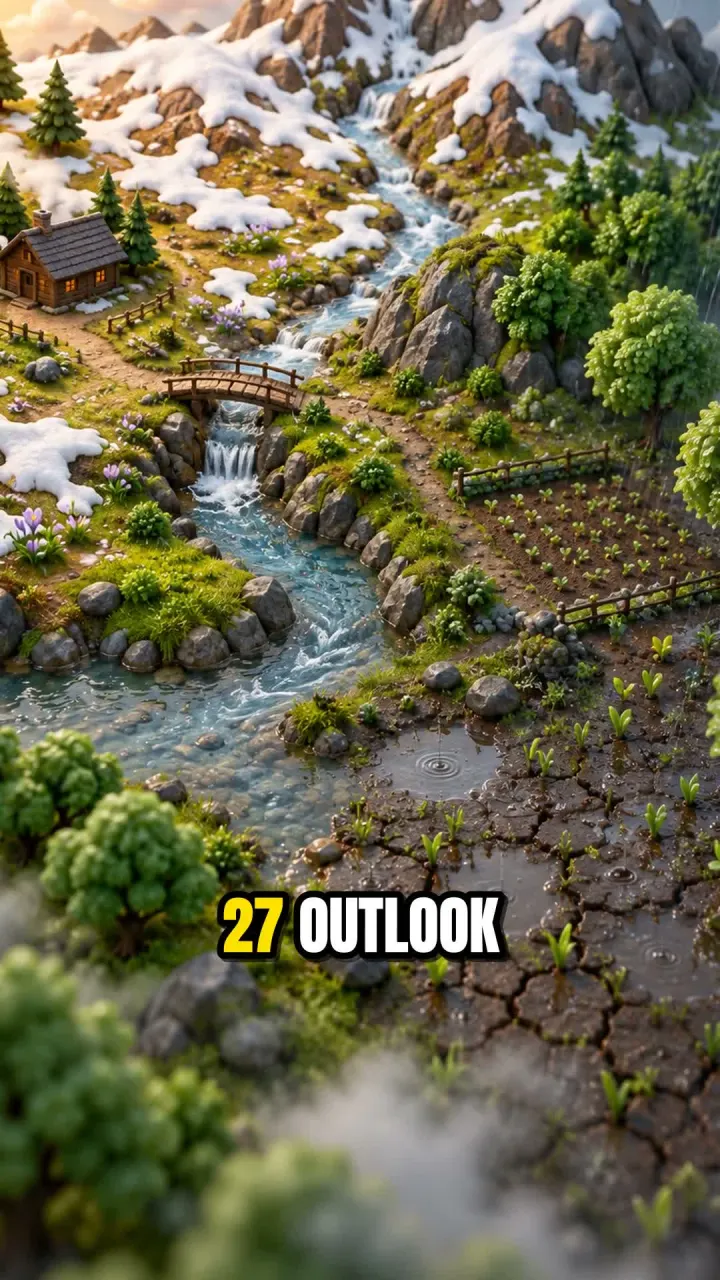
Eight posts, eight looks
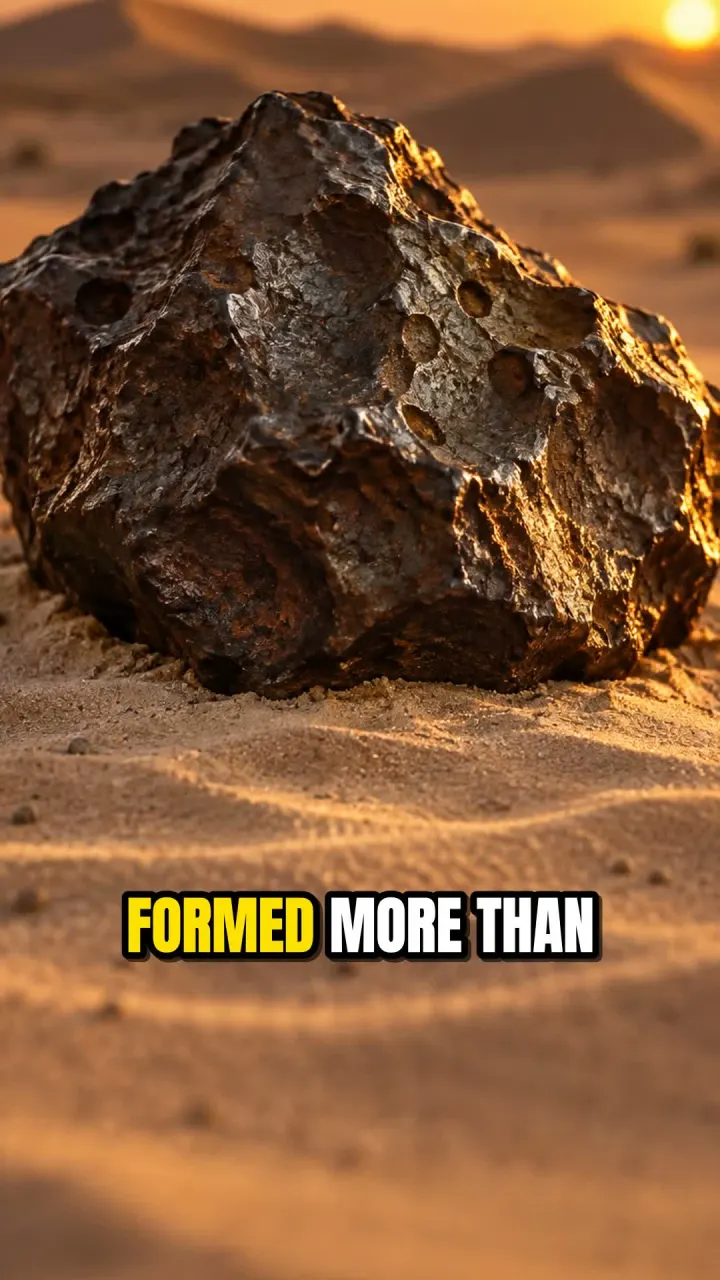
Each of these started as a NASA or NOAA article in a public RSS feed. Vidfiddle wrote the script and made the video; nobody touched an editor. Tap Receipt to see what went in and what it cost.
- Photoreal
Receipt · NASA
NASA-funded Study Details One of Oldest Mars Meteorites Ever Found- Look
- cinematic photorealistic, dramatic rim light, shallow depth of field
- Voice
- onyx
- Format
- 9:16 · 27.6s
- Render
- 32s
Cost$0.044 - Felt diorama
Receipt · NASA
Halloween Aboard the International Space Station- Look
- handmade stop-motion felt diorama, soft studio lighting, playful
- Voice
- fable
- Format
- 9:16 · 28.8s
- Render
- 39s
Cost$0.086 - Deep space
Receipt · NASA
Ghostly Cat’s Head Nebula Lurks Within Sight of NASA’s Hubble, Webb- Look
- deep-space astrophotography, rich teal and amber nebula colors
- Voice
- sage
- Format
- 16:9 · 35s
- Render
- 42s
Cost$0.047 - Sci-fi paperback
Receipt · NASA
Send Your Name to Titan Aboard NASA’s Dragonfly Mission- Look
- 1970s sci-fi paperback cover illustration, bold gouache colors, film grain
- Voice
- nova
- Format
- 9:16 · 29.9s
- Render
- 42s
Cost$0.056 - Watercolor
Receipt · NOAA
Large-scale marine debris: 4 ways to clean up the big stuff- Look
- loose watercolor illustration on textured paper, ocean blues
- Voice
- coral
- Format
- 9:16 · 30.3s
- Render
- 41s
Cost$0.045 - Flat vector
Receipt · NOAA
Saildrone research fleet to circle Antarctica for 5 years- Look
- bold flat vector illustration, limited palette of navy, orange and white
- Voice
- ash
- Format
- 1:1 · 35.8s
- Render
- 41s
Cost$0.069 - Paper-cut
Receipt · NOAA
A toothy summer in Charleston: My internship studying barium in bottlenose dolphin teeth to determine freshwater exposure- Look
- layered paper-cut collage, warm coastal colors, visible paper texture
- Voice
- shimmer
- Format
- 9:16 · 31.9s
- Render
- 41s
Cost$0.056 - Clay
Receipt · NOAA
El Nino looms large over U.S. Winter Outlook- Look
- glossy 3D clay render, miniature diorama, soft shadows
- Voice
- echo
- Format
- 9:16 · 32.4s
- Render
- 44s
Cost$0.056
All 8 together cost $0.46.
Already built
YouTube clips
Paste a long video. It finds the moments worth sharing and cuts captioned clips.
Optional. Uses Deepgram plus Creatomate or Submagic.
Pacing
Slow, medium or fast: a new shot about every 8, 4 or 2 to 3 seconds. Same price at every pace.
Music
Tracks matched to the script’s mood and ducked under the voice. Narration is leveled to -14 LUFS, the loudness social apps expect.
Bring your own tracks, or let ElevenLabs compose one per video.
Your pick of models
Scripts and captions from OpenAI or Claude. Voices from OpenAI or ElevenLabs. Each one is a setting.
Storage
Media on local disk, or in any S3-compatible bucket (R2, B2, S3).
Creatify
Want stock footage or AI avatars instead? Plug in Creatify.
Paid and optional.
Up and running in four commands
git clone https://github.com/zellerhaus/vidfiddle.gitcd vidfiddlecp .env.example .env # add your OpenAI key and a passworddocker compose up -d
- MIT license
- One OpenAI key
- About $0.06 a video
- 3 containers
Built to be fiddled with
Every stage of the video engine is a small interface. ElevenLabs voices took one class. Pexels footage could be next. Fork it, break it, send a pull request.
- Scene planning
- Voice
- Images
- Word timing
- Your provider here